comparison · Vs
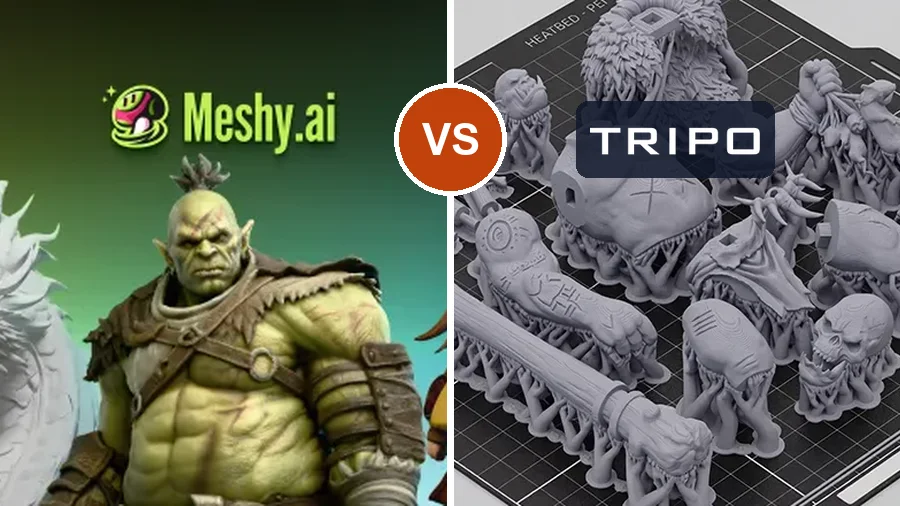
Meshy vs Tripo: Which AI 3D Generator Should You Pick?
By Leo · Updated 2026-09-06
TL;DR
Pick Meshy if you want the broader production toolkit — texturing, formats, ecosystem — and don’t mind paying a little more per month. Pick Tripo if your priority is fast iteration at the lowest paid entry price, or if you also need rigging/animation. For 3D printing specifically, neither is turnkey today: community experience says both benefit from a mesh repair pass before slicing — a wash between them until our benchmark run puts real numbers on it.
| Product | Rating | Input | Output | Pricing | Buy |
|---|---|---|---|---|---|
 Meshy | 4.2 (community est.) | text + image | GLB / FBX / OBJ / STL | Free tier; Pro $20/mo (first term half price) | View |
 Tripo AI | 4.0 (community est.) | text + image | GLB / FBX / USDZ | Free tier; Pro $20/mo ($240/yr, no annual discount) | View |
Pricing reality
Sticker prices mislead. What matters is cost per usable model:
- Meshy Pro is $20/month (first term half price), credit-based — failed generations still burn credits, so your effective cost per good model is higher than the brochure math.
- Tripo Pro is $20/month — $240/year flat, no annual discount — with a similar credits-per-model economy.
If you print weekly, either lands around $1.50–2.50 per usable model after accounting for retries. Not huge — but it changes how many drafts you’re willing to burn.
Output quality and texturing
Meshy’s texturing pipeline is the more mature of the two — richer materials, fewer obvious projection seams, and multi-version engines you can pick per generation. Tripo counters with topology: cleaner quad-dominant meshes that matter if a model will be edited or animated later. For printing, textures are mostly irrelevant (most people print single-material) — geometry is the game, which brings us to the section other comparisons skip.
Printability: the dimension that matters here
On a 3D printer, the only questions are: is the mesh watertight, are the walls thick enough, and does it slice cleanly? Community-reported experience for both tools says: usually not without help. Expect the workflow to be generate → export → repair (MeshMixer, Windows 3D Builder, or your slicer’s fixer) → re-check → print.
We’re lining both up for the same 10-image benchmark with print attempts on two reference printers. When that data is in, this section gets a real table and a real verdict — subscribe to the newsletter if you want it the week it drops.
Pros
- Broader toolkit (texturing, formats, API)
- More mature ecosystem and community
- Generous free tier for evaluation
Cons
- Pricier paid entry ($20/mo)
- Most outputs need repair before printing
- Game/CGI priorities over print use-cases
(Cons above are Meshy-specific; Tripo’s mirror: cheaper and faster, thinner toolkit and ecosystem.)
Who should pick which
- Decorative print sellers / miniature painters → Meshy (texturing and asset breadth)
- Rapid prototypers iterating many drafts → Tripo (cost per iteration)
- Anyone printing functional parts → plan the repair step regardless of pick; check back for benchmark data
Deeper dives: the full Meshy review, our guide to why AI models fail to print and the repair workflow that fixes them, and more head-to-heads in the VS hub.
FAQ
Is Tripo cheaper than Meshy?
No — both are $20/month, and Tripo charges $240/year flat with no annual discount. Both price by credits, so real cost depends on how many generations you discard.
Which is better for 3D printing, Meshy or Tripo?
Neither is turnkey: community experience shows both usually need a mesh repair pass before slicing. The honest answer arrives with our benchmark data — same inputs, same printers, measured print success rates.
Do Meshy and Tripo both export STL?
Meshy exports STL directly; Tripo exports GLB/FBX/USDZ, which convert to STL in a slicer or free tool like Blender. Export format is rarely the blocker — watertightness is.