evergreen · Learn
3D Printing for Beginners: Start Here
By Leo · Updated 2026-08-24
What is 3D printing, actually?
3D printing builds objects layer by layer from melted plastic (filament, the process called FDM — what most consumer printers do) or cured resin (SLA — detail-rich but messier). If you’re starting, you’re almost certainly starting with filament: a spool feeds a nozzle, the nozzle melts it at ~200 °C, and a computer moves it in precise paths, one 0.2 mm layer at a time. Your job is less “operating a machine” and more “managing a small hot-glue robot with strong opinions about cleanliness”.
If you haven’t bought a printer yet
Read our best printers for beginners guide — the short version: $200–400 buys a machine that works out of the box in 2026, and the single biggest beginner mistake is buying cheap and spending weekends debugging instead of printing.
Bambu Lab
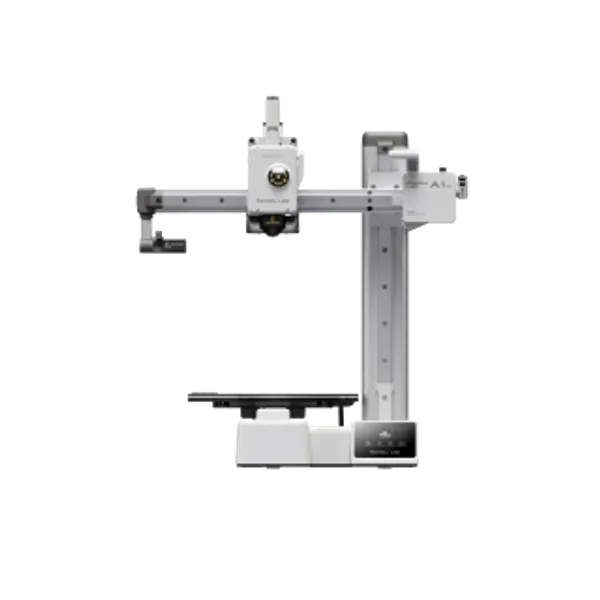
Bambu Lab A1 Mini
- build volume
- 180 × 180 × 180 mm
- max speed
- 500 mm/s
- enclosure
- No
If the budget reaches it, the Bambu Lab A1 Mini is what our beginner’s guide ranks first: auto-calibration and stock profiles that print on day one, which — community-reported, protocol test queued — is what keeps people in the hobby past month one. The 180 mm bed is the trade-off, and for a first year of widgets and household fixes it rarely bites.

Creality
Creality Ender 3 V3 SE
- build volume
- 220 × 220 × 250 mm
- max speed
- 180 mm/s (realistic)
- enclosure
- No
On a hard $200 ceiling, the Creality Ender 3 V3 SE is the established fallback — slower than the Bambu, but reliable at the price and backed by the largest troubleshooting community in the hobby, so your exact problem already has a forum answer.
Your first spools (the $30–40 that matters)
Budget for two: one name brand to learn on, one cheap for experiments. Bad filament teaches nothing — under-extrusion from a no-name spool looks exactly like a broken printer.
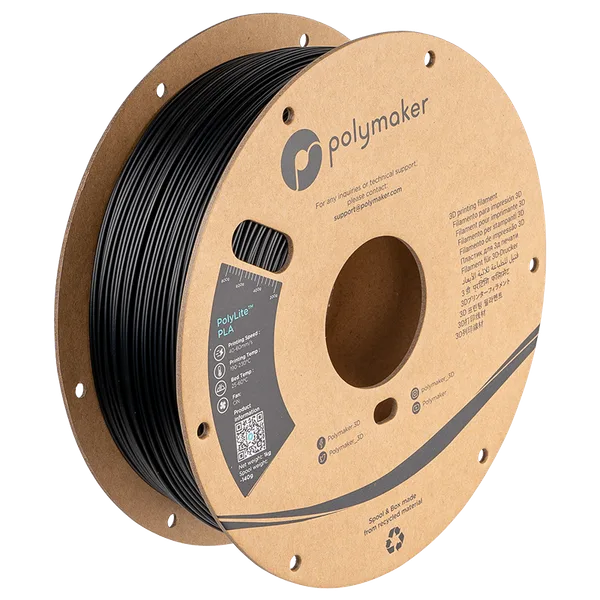
Polymaker
Polymaker PolyLite PLA
- material
- PLA
- weight
- 1 kg
Polymaker PolyLite PLA is the “learn on this” spool — the most-recommended all-rounder in community roundups, with consistent diameter that behaves on any stock profile.
Sunlu PLA is the experiment spool — the cheapest widely stocked reliable brand, fine for drafts and volume printing, with more batch variance than the names (what that costs, in numbers, is in our Sunlu review).
Your first week, in order
- Follow the manufacturer’s setup exactly — including firmware updates and the calibration routine
- Print the test model it ships with — proves the machine before you add variables
- Use your manufacturer’s slicer and profiles (Bambu Studio, Creality Print, PrusaSlicer) — third-party setups are a week-three project, not a day-one one
- Download models, don’t design yet — Printables, MakerWorld, Thingiverse have thousands of tested, print-ready files
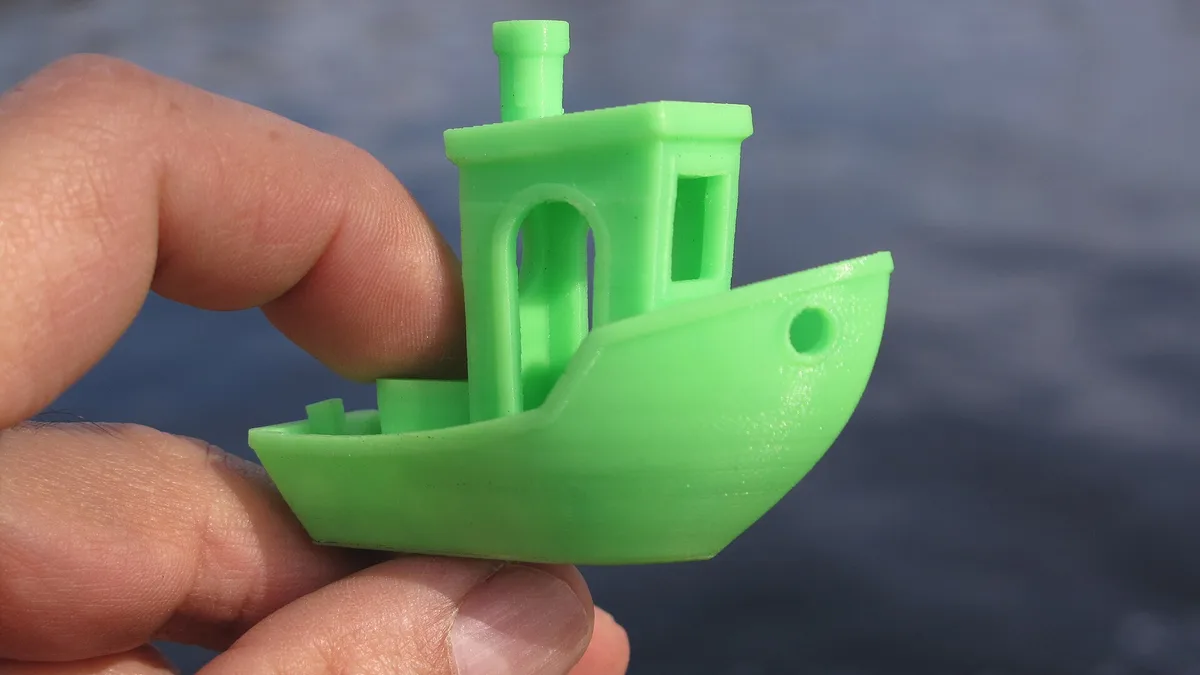
- Print a benchy — the little boat every printer on earth has printed; it’s your machine’s report card
The only three settings that matter at first
- Material profile — pick “PLA” and the matching brand profile; everything else follows
- Layer height — 0.2 mm default: fine. You can explore 0.12 mm (slower, finer) later
- Supports — on for anything with overhangs past ~45°; the slicer decides where
Everything else — temperatures, speeds, cooling — the stock profile already nailed. Tuning is a solution to problems you don’t have yet.
The three failures everyone hits (and their fixes)
- Not sticking to the bed — clean plate + re-level, in that order. Full guide: bed adhesion fixes
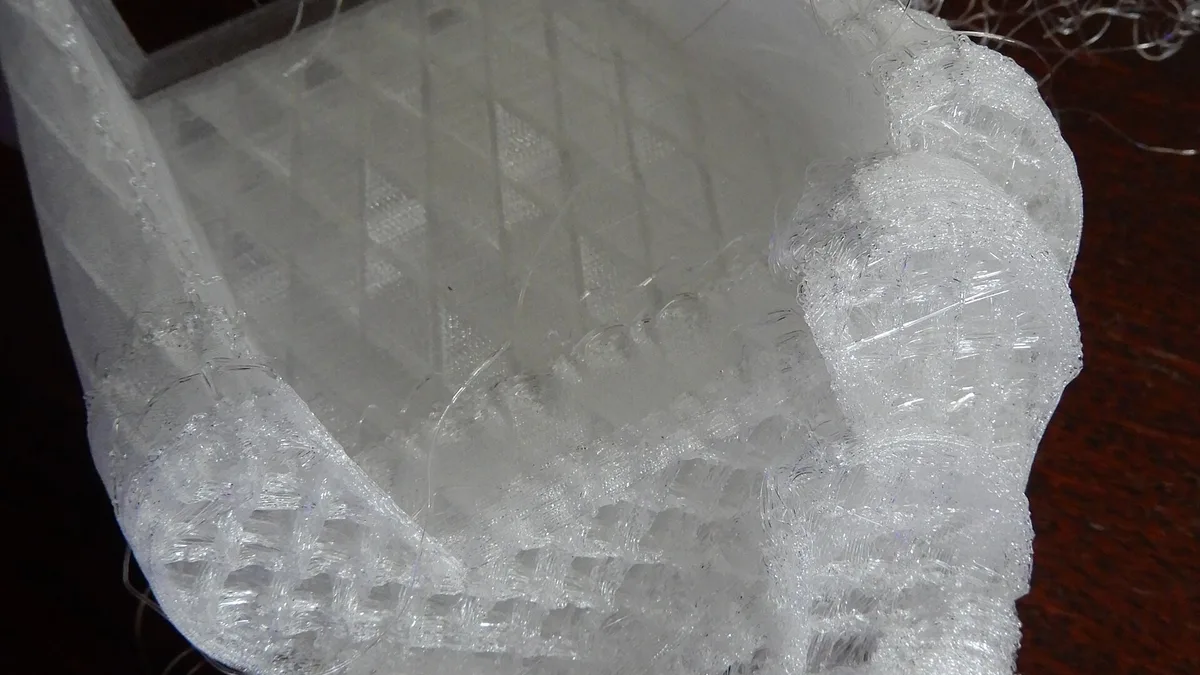
- Stringing/cobwebs — dry filament, lower temperature, then retraction. Full guide: fixing stringing
- Layer shifts/wobbles — usually a loose belt or a too-fast print; check belts first, slow down second
When you’re ready for more
- Filament choices beyond PLA: PLA vs PETG vs ABS — five minutes, saves a failed project
- Making your own models: this is where AI tools enter — see turning an image into a printable model
- Buying filament smart: best PLA filament
The pattern to notice: every next step in this hobby is “solve the failure you’re actually having”, not “read the whole manual first”. Print, fail, fix, repeat — the failures are the curriculum.
FAQ
Is 3D printing hard to learn?
The printing part is easy in 2026 — modern machines auto-calibrate and print reliably from stock profiles. The skill you actually learn is troubleshooting: bed adhesion, stringing, and layer shifts. Each has a known fix you'll master in a weekend.
What should I 3D print first?
The printer's included test model, then a benchy (the universal test boat), then practical prints you'll actually use — cable clips, phone stands, replacement knobs. Print things you need; motivation compounds.
Do I need to learn 3D modeling?
Not to start — model libraries like Printables and MakerWorld have hundreds of thousands of tested files. When you do want custom objects, AI image-to-3D tools have made the entry far easier than learning CAD.