best-of · Best
Best 3D Printers Under $200 (and What to Buy Instead)
By Leo · Updated 2026-09-05

The honest headline
The under-$200 bracket has thinned. The market’s center of gravity moved to $250–300 (enclosed CoreXY machines like the Elegoo Centauri Carbon), and several former under-$200 favorites were discontinued or crept up in price. So this guide does two jobs: what’s genuinely worth buying under $200 today, and — often the better answer — what your extra $50–100 buys.
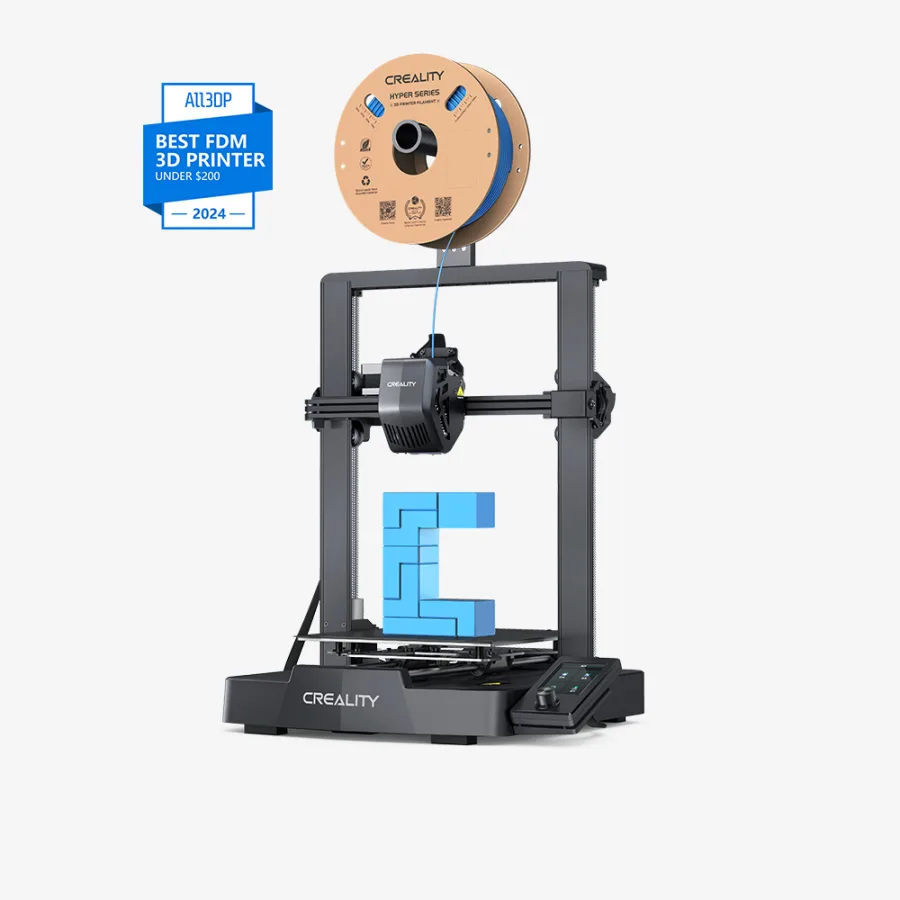
Best under $200: Creality Ender 3 V3 SE

Creality
Creality Ender 3 V3 SE
- build volume
- 220 × 220 × 250 mm
- max speed
- 180 mm/s (realistic)
- enclosure
- No
The V3 SE is the survivor of the classic budget bracket: auto bed leveling out of the box, a genuinely huge community (every problem you’ll hit has a forum answer), and sub-$200 pricing that holds — street price runs $169–199 depending on sales (verified Aug 2026; Tom’s Hardware has called it the budget champ at the low end). It’s slower than the CoreXY generation and basic in features — but “slow and reliable” beats “fast and returned” for a first machine at this price.
Honest caveat: at the full $199, the value case is getting thin. Reddit’s emerging consensus is that
Creality’s own K1 SE ($250, enclosed, much faster) outclasses it for $50 more, and our stretch picks below
compete hard. Buy the V3 SE when it’s on sale or when $200 is a hard ceiling.
Watch for sales on: Sovol SV06 and Anycubic’s entry Kobra line also live around this price with their own fan bases (community-reported; we haven’t run our protocol on them yet). Elegoo has also teased a non-enclosed “Centauri” at ~$200 — worth waiting for if you’re not in a hurry.
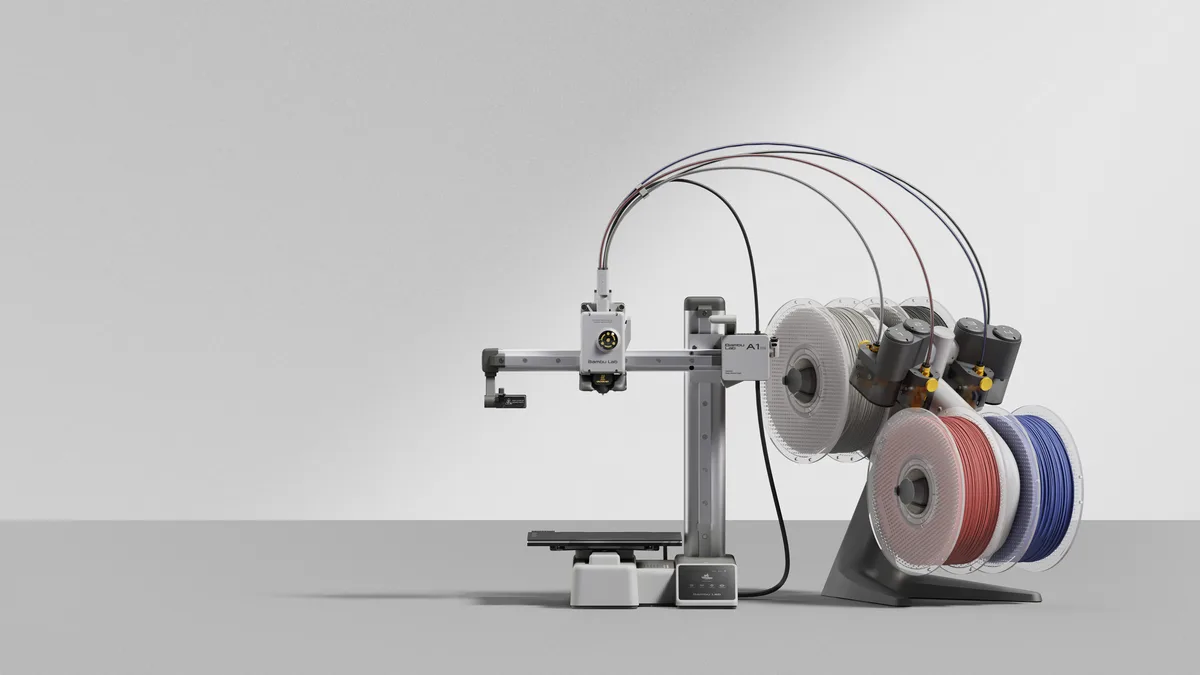
The $50-more answer: Bambu Lab A1 Mini ($249)
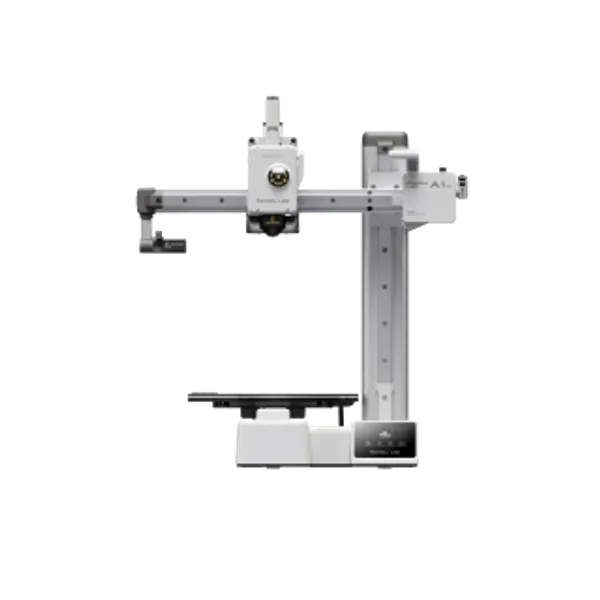
Bambu Lab
Bambu Lab A1 Mini
- build volume
- 180 × 180 × 180 mm
- max speed
- 500 mm/s
- enclosure
- No
If you can stretch to $249, the calculus changes: auto-everything calibration, dramatically better speed, and the most reliable stock profiles in the industry. Our A1 vs A1 Mini comparison covers the trade-offs; short version — the Mini is the best “it just prints” entry point, with the smaller 180 mm bed as the real cost.
Side by side
| Product | Rating | Build Volume | Max Speed | Enclosure | Buy |
|---|---|---|---|---|---|
| Creality Ender 3 V3 SE | 4.2 (community est.) | 220 × 220 × 250 mm | 180 mm/s (realistic) | No | View |
| Bambu Lab A1 Mini | 4.5 (community est.) | 180 × 180 × 180 mm | 500 mm/s | No | View |
What Reddit actually recommends under $200
Searches for “best 3D printer under $200” increasingly append the word Reddit — people want the forum’s answer, not an affiliate table’s. Here’s the pattern that recurs across budget threads in r/3Dprinting and r/Ender3 (our synthesis of community sentiment; community-reported, not our protocol data):
- Stretch if you possibly can. The most upvoted advice in budget threads is rarely “buy the cheapest” — it’s “save another $50 and get a Bambu Lab A1 Mini.” The reasoning is always the same: auto-calibration removes the tuning curve that kills beginner motivation.
- If $200 is a hard ceiling: Ender 3 V3 SE. When Redditors do recommend a sub-$200 machine by name, the V3 SE is the most common answer — auto bed leveling plus the largest troubleshooting knowledge base of any budget printer.
- Creality K1 SE is the rising pick at ~$250. Enclosed and far faster; the community treats it as the V3 SE’s modern successor when the budget bends slightly.
- Skip the $99–149 marketplace no-names. Consistent theme: a cheap printer with no community is a homework assignment, not a bargain.
The short version: Reddit’s under-$200 answer and ours agree — V3 SE at the cap, A1 Mini the moment you can reach $249. Where we differ from most threads: we’ll put numbers on it when our test protocol runs, instead of arguing from vibes.
What to avoid
- No-name sub-$150 machines on marketplaces — the savings evaporate into weekends of troubleshooting
- Older Ender 3 variants at “deal” prices — the V3 SE exists precisely because those needed auto-leveling; don’t buy the problem it solved
- Resin printers “because they’re cheap” — the machine is cheap; the workflow (wash, cure, fumes, disposal) isn’t a beginner path unless you specifically want miniatures at all costs
Decision rule
- Hard $200 cap → Ender 3 V3 SE (best when it’s at $169–179 on sale)
- Can reach $249 → A1 Mini (easiest) or Creality K1 SE (~$250, enclosed + faster — the community’s rising pick; we haven’t tested it yet)
- Can reach $299 → skip this guide, read enclosed CoreXY at $299 — the value crossover happens there
More buying guides by budget and use case in Best Of; first machine overall → our beginners guide.
FAQ
What is the best 3D printer under $200?
The Creality Ender 3 V3 SE is the safest pick: auto bed leveling, a huge support community, and stable sub-$200 pricing. If you can stretch to $249, the Bambu Lab A1 Mini is meaningfully easier to live with.
What does Reddit say is the best 3D printer under $200?
The recurring community answer is the Creality Ender 3 V3 SE at the hard $200 cap, with the strong caveat to stretch to a Bambu Lab A1 Mini ($249) if at all possible. The Creality K1 SE (~$250, enclosed) is the rising community pick just above the bracket. Budget threads consistently warn against $99–149 marketplace no-name machines.
Is a cheap 3D printer worth it for a beginner?
Only if it's reliable. A frustrating first machine is the number one reason people quit the hobby — that's why this guide recommends fewer, better machines instead of the cheapest option on the marketplace.
Should I buy an Ender 3 V3 SE or save for a Bambu?
If the budget truly stops at $200, the V3 SE is fine. If you can reach $249, the A1 Mini's auto-calibration and speed make it the better first printer for most people.